4 · Subscribe and onboard Oracle Database@Azure
These are original revision notes for the subscribe-and-onboard course video. They summarize the workflow in our own words rather than reproducing the video.
Core message
Before anyone can create a database, the service has to be turned on for the organization. That happens in two ordered phases: subscribe (the commercial step that purchases the service through Azure Marketplace) and onboard (the technical setup that links the OCI account and sets up access). Both phases are driven from the Azure portal, and the only thing you need before you begin is an active Azure subscription.
Before you start
- The one prerequisite for both phases is an active Microsoft Azure subscription.
- The same Azure subscription is used to purchase the service and to onboard it.
- For the purchase, the subscription must be enabled to accept and buy an Azure Marketplace private offer.
The end-to-end workflow
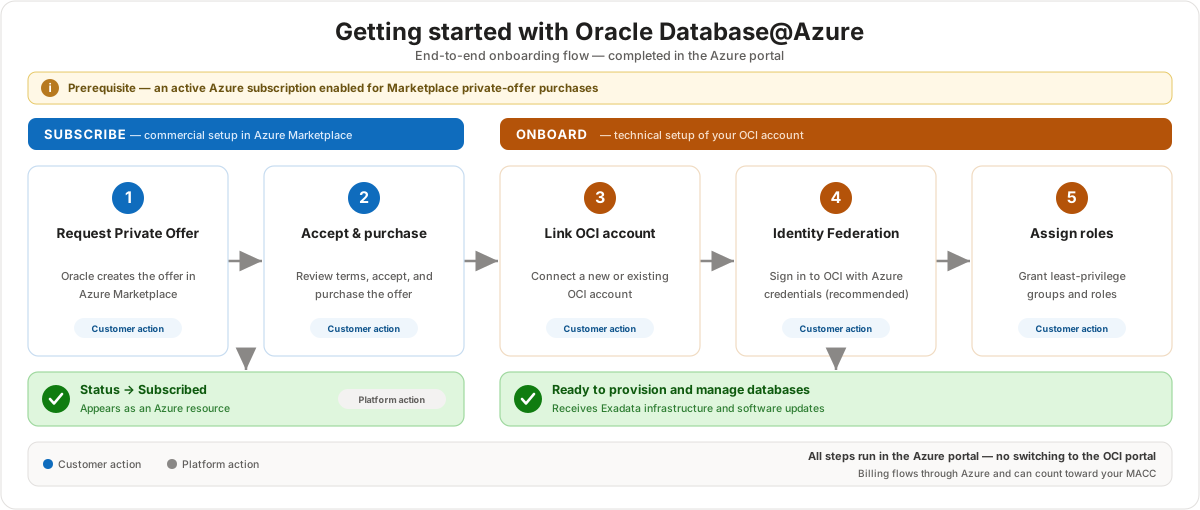
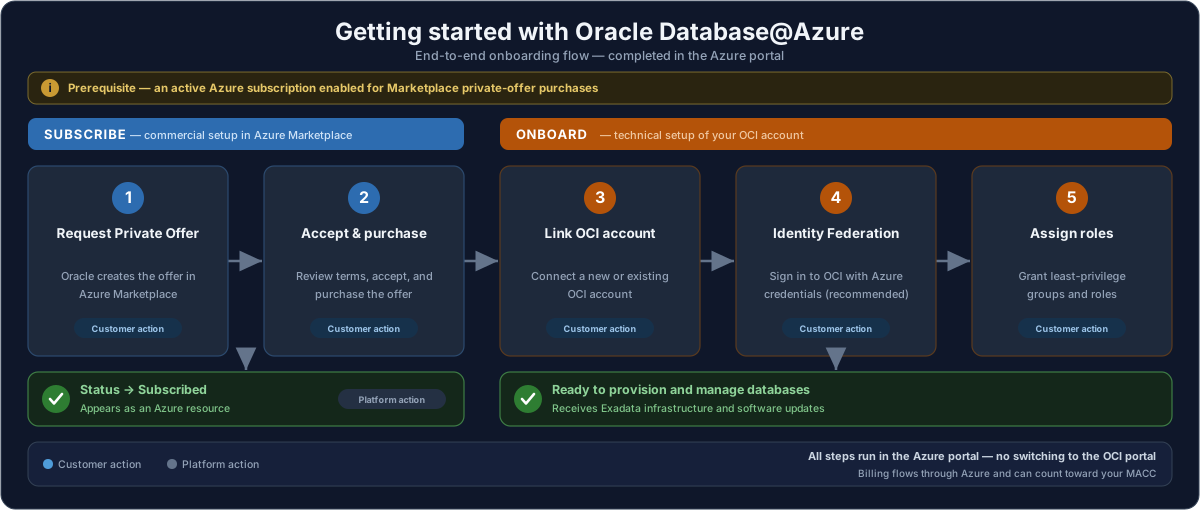
The diagram shows the full path. The two sections below walk through each phase.
Subscribe — purchase the service (2 steps)
- Contact Oracle to create a Private Offer in Azure Marketplace. You reach the Oracle sales team to agree on pricing, and you provide your Azure billing account ID and a contact in your organization. Oracle — a Microsoft partner — then creates the private offer in Azure Marketplace for your organization.
- Accept and purchase the Private Offer from Azure Marketplace. From the private offer management page in the Azure portal, review the terms, accept the offer, and continue to the create-subscription page to validate and deploy. When it finishes, the status changes to Subscribed and Oracle Database@Azure shows up as an Azure resource, just like any other Azure service.
Onboard — set up access and management (3 steps)
- Link your OCI account. The linked OCI account is used to provision and manage the database resources and to deliver the Exadata infrastructure and software maintenance updates. You can link an existing OCI account or create a new one.
- Complete Identity Federation. Federation is set up between your Azure account and the OCI tenancy so you can sign in to the OCI console with your Azure credentials. It is needed for certain OCI operations, such as provisioning databases and receiving infrastructure and software updates. This step is optional but recommended.
- Assign groups and roles to users. Authorize users with the right privileges for the right place — for example, some users manage the Exadata database service resources in Azure, while others manage the databases in OCI. Use the OCI documentation for the specific role and group names.
The commercial model
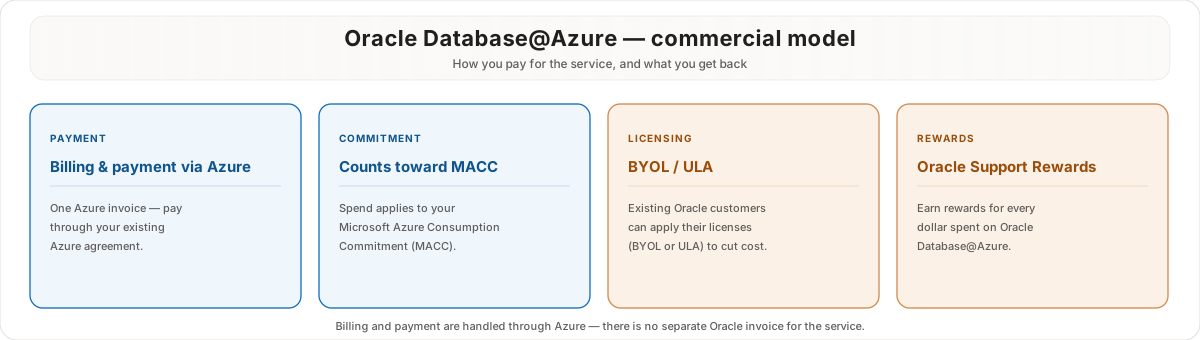
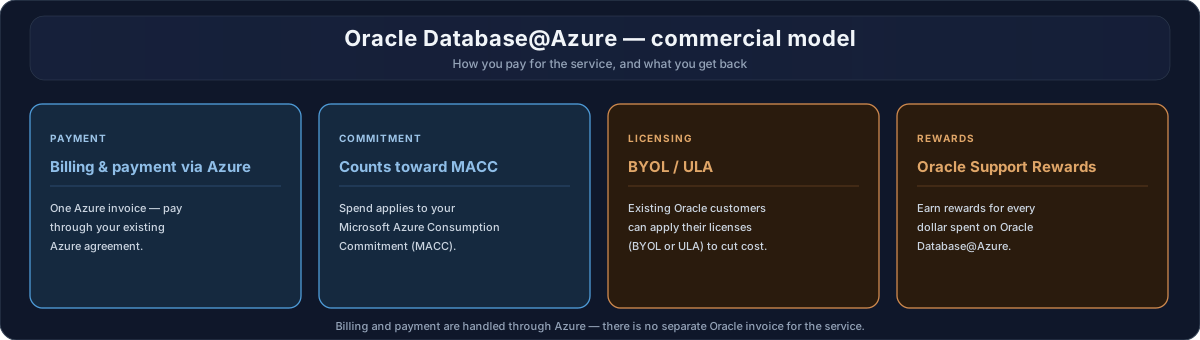
- Billing and payment run through Azure. Charges for the service appear on your regular Azure invoice alongside your other Azure Marketplace services.
- Spend counts toward your MACC. Payment for the service applies to a Microsoft Azure Consumption Commitment.
- Existing Oracle customers can use BYOL or a ULA. Bring your own license, or an unlimited license agreement, can reduce the consumption cost.
- Oracle Support Rewards. You earn rewards for every dollar spent on the service.
Customer value
- A familiar purchase path — the service is bought and managed through Azure Marketplace and the Azure portal, not a separate Oracle commerce flow.
- One billing relationship — charges land on the existing Azure invoice and can count toward a MACC, which helps with commitment planning.
- Existing Oracle license investments carry over through BYOL or a ULA, so customers are not forced to repurchase entitlements.
- After onboarding, day-to-day work stays Azure-native, with Azure credentials used to reach the OCI console when needed.
Risks and constraints to remember
- The private offer purchase requires an Azure subscription that is enabled for private-offer purchases — confirm this before the commercial step, or the purchase stalls.
- Onboarding requires an OCI tenancy. Even though the experience is Azure-led, the OCI account is mandatory for provisioning and updates.
- Identity Federation is labeled optional, but skipping it limits the OCI operations users can perform with Azure credentials — treat it as expected for most deployments.
- Group and role assignment determines who can do what across Azure and OCI; plan least-privilege access deliberately rather than granting broad rights.
- These are platform behaviors that can change — validate current subscribe, onboard, identity, and commercial details against Microsoft Learn before guiding a customer.
Terms to remember
- Subscribe phase and onboard phase
- Azure Marketplace private offer
- Billing account ID
- Subscribed status
- Oracle Database@Azure as an Azure resource
- OCI account and OCI tenancy
- Identity Federation
- Groups and roles assignment
- Microsoft Azure Consumption Commitment (MACC)
- Bring Your Own License (BYOL) and Unlimited License Agreement (ULA)
- Oracle Support Rewards
Getting started is two moves, both done from the Azure portal. First you subscribe: Oracle creates a private offer in Azure Marketplace, you accept and purchase it, and the service then shows up as an Azure resource. Then you onboard: link an OCI account, set up identity federation so Azure credentials work against OCI, and assign the right groups and roles. Billing flows through Azure, counts toward a MACC, and existing Oracle licenses can come along through BYOL or a ULA.